Long video in.
Clips out.
Paste a link or upload a recording. clip.agent finds the moments worth posting, follows whoever is speaking into 9:16 and captions every word in the font you choose.
Type a hook. Pick a font.
Every clip opens in this editor. Write the hook title, choose one of twelve caption fonts and the colour of the spoken word, move the captions and set how many words show at once. The clip renders with the same font files you see here.
What, not how
AsFredcontinues
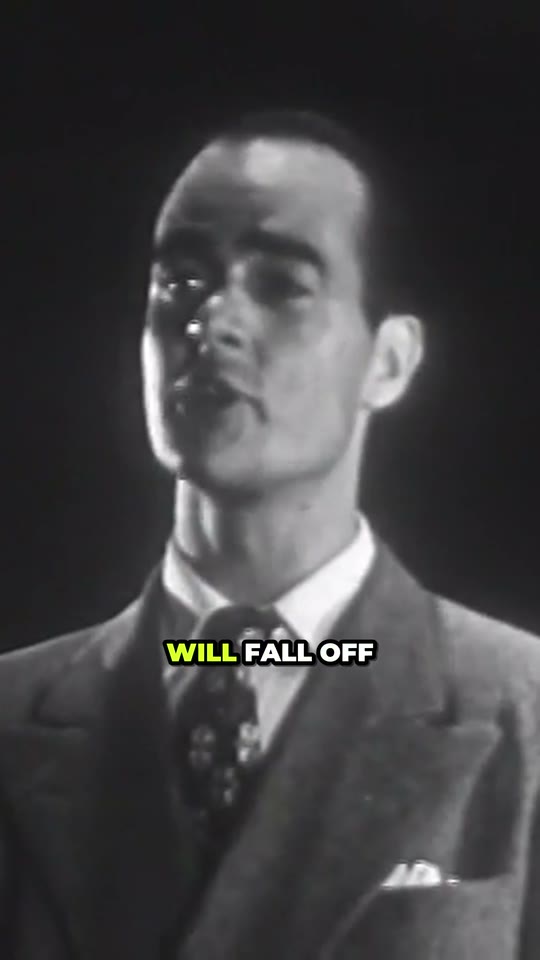
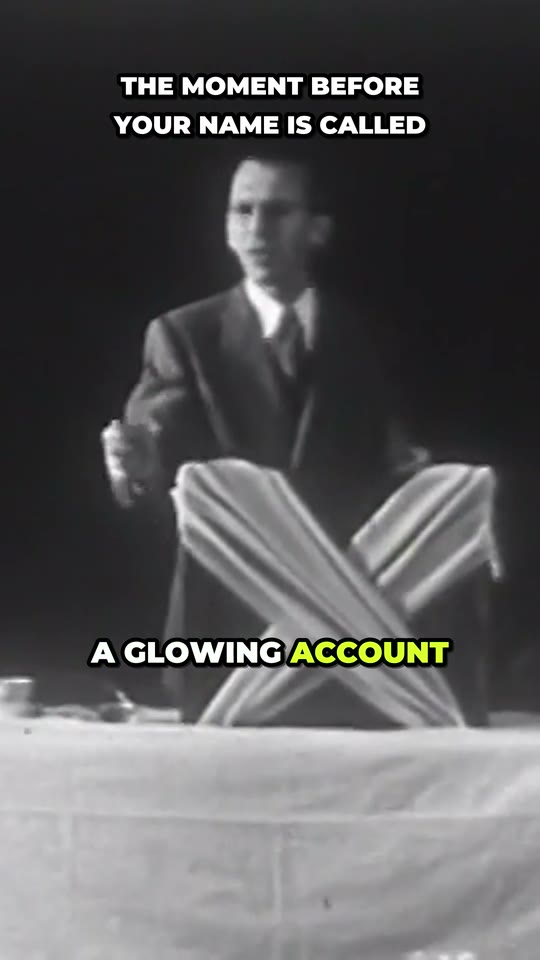
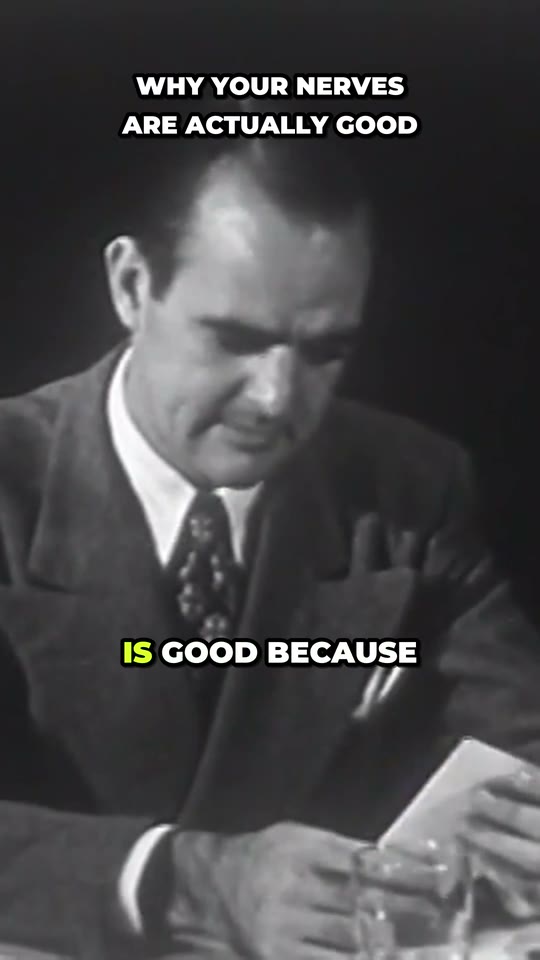
One old film, three clips.
We gave clip.agent Stage Fright and What to Do About It, a nine-minute classroom film from 1949, shot in 4:3. It picked these three moments, followed whoever was speaking into 9:16 and captioned every word. The hooks, scores and reasons are its own.
Real output from one run, unedited. The film is in the public domain.
Watch it work, stage by stage.
Every minute costs 1 credit
You start with 30 free credits. Credits are counted in whole seconds and settled on the real length, and when a video fails or nothing worth posting is found, every credit comes back automatically.
Start with 30 free minutesBefore you paste a link
What do I get back?
Three to ten vertical clips, 30 to 60 seconds long unless you set another range. Each is a 1080 by 1920 MP4 with captions burned in, a hook title, a post caption with hashtags, a score from 1 to 100 and the reason the agent picked it.
Can I change the captions?
Yes. Pick one of twelve caption fonts or five presets, then set the size, the colour of the spoken word, the outline, where the words sit and how many show at once. Fix any word in the transcript, save your look as a preset, and every new clip uses it.
What else can I change on a clip?
The shape (9:16, 4:5, 1:1 or 16:9), speaker tracking or a split screen for two speakers, the hook title over the opening, a progress bar, jump cuts that drop filler words and pauses, punch-in zooms on key words, and your logo.
How are credits counted?
One credit per started minute of the video you process, counted in whole seconds. We hold an estimate when you submit, settle on the measured length, and hand back any difference. Process only part of a long video and you pay only for that part.
What if a video fails?
Every credit it held comes back to your balance automatically. The same happens when the agent finds nothing worth posting: a project that delivers no clip cannot be charged.
Which videos can I use?
A file you upload, or a Google Drive, Dropbox or direct link to one, of a video you have the right to use, up to three hours long. YouTube links can't be imported yet: download the video and upload it. Your files and clips stay private and are shared only through download links that expire.
Got a link or a file?
Either way, your first 30 minutes are free.